Integrating Timing With Equipe and SmarterAgility
 Johannes Hyrsky18 March 2026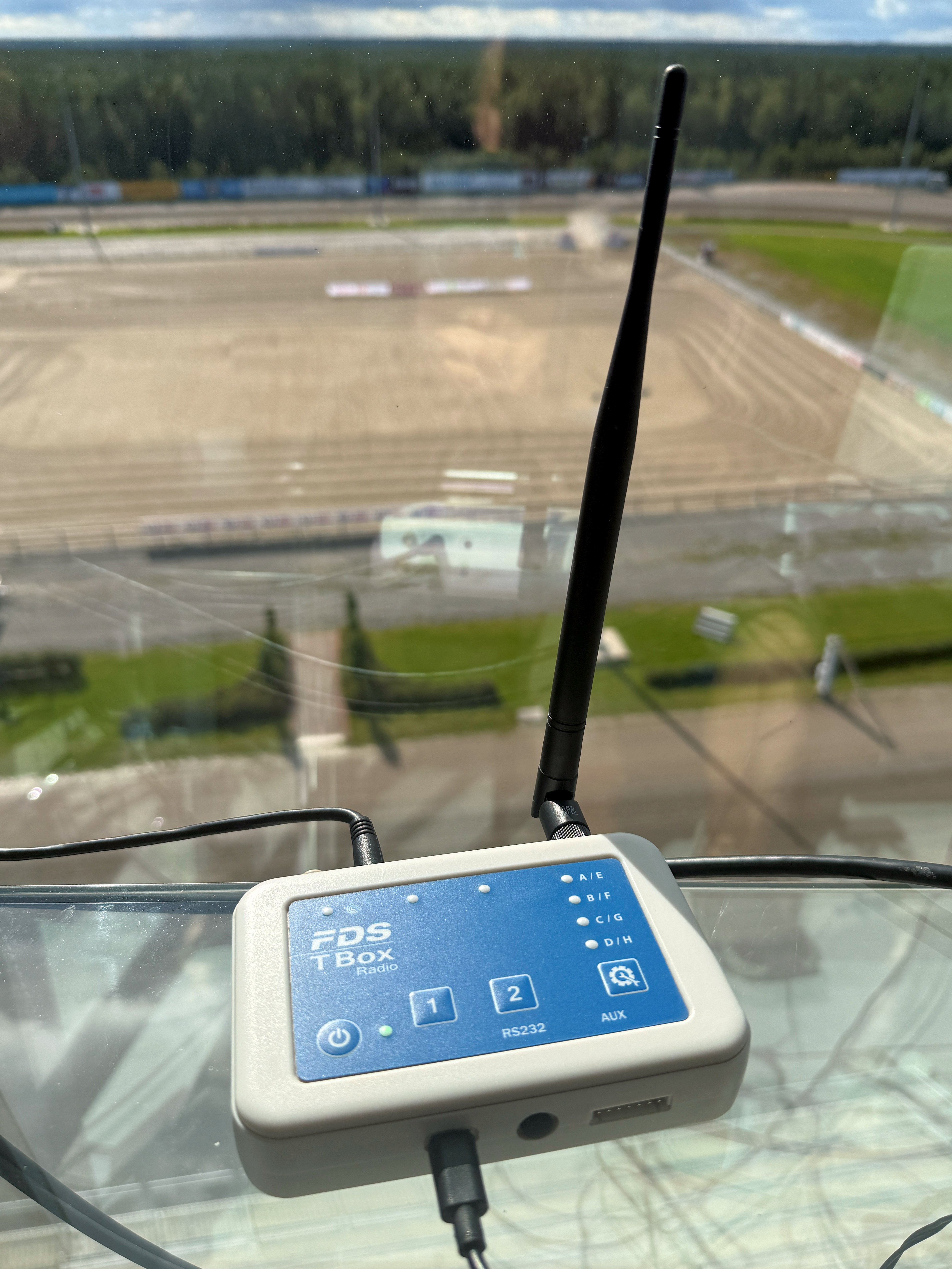
Even the best timing device is useless if the times don't reach the results software correctly. Integration with Equipe (equestrian) and SmarterAgility (agility) is where many events stumble. This guide describes a working workflow and troubleshooting.
Connection methods
An FDS system connects to a computer typically via USB or serial, which appears to the software as a COM port. Some configurations use a network connection. Check which connection is in use and install the necessary drivers in advance — not on the morning of the event.
Equipe settings
In Equipe you select the timing source and the port settings (baud rate, COM port). When a horse-and-rider crosses the finish, the time appears automatically on the correct row. Decide in advance whether to use manual confirmation or automatic acceptance. Test the whole chain by running through the finish beam yourself.
SmarterAgility settings
In SmarterAgility you define the class standard course time and the course length, so the software calculates time faults automatically. The timing feeds the clean time; the judge's faults are entered separately. Make sure the correct dog is active in the software before the start.
Testing before the event
- Start the device and the software, confirm the connection.
- Run through the start and finish beam by hand — the time should appear in the software.
- Check that the scoreboard updates.
- Do this before the audience and competitors arrive.
Most common errors
- Wrong COM port: no connection — check in device manager.
- Wrong baud rate: times come scrambled or not at all.
- Double trigger: sensitivity too high — adjust height and delay.
- Time on the wrong row: the wrong competitor is active.
Summary
Integration is not hard once it has been done right once and documented. Write down your club's own settings (port, baud rate, software version) and keep the note in the equipment case. Eqilo helps set up the first integration and trains the secretariat.